We all know the stereotype of the messy gamer, surrounded by empty energy drink cans and crisp packets, but new data suggests the reality might be microscopic and much worse. If you are reading this while eating lunch at your desk, you might want to put the sandwich down.
Research highlighted by waste clearance specialists implies that the average desktop setup is a thriving ecosystem of bacteria, potentially hosting more pathogens than a standard toilet seat. For tabletop gamers using digital tabletops or PC gamers mid-raid, the “bio-break” might effectively be happening right under your fingertips.
The Petri Dish on your Desk
It is an uncomfortable truth that where we game is often where we eat. Whether it is a quick snack during a Dungeons & Dragons session or a meal in front of a Twitch stream, food particles invariably find their way into our peripherals.
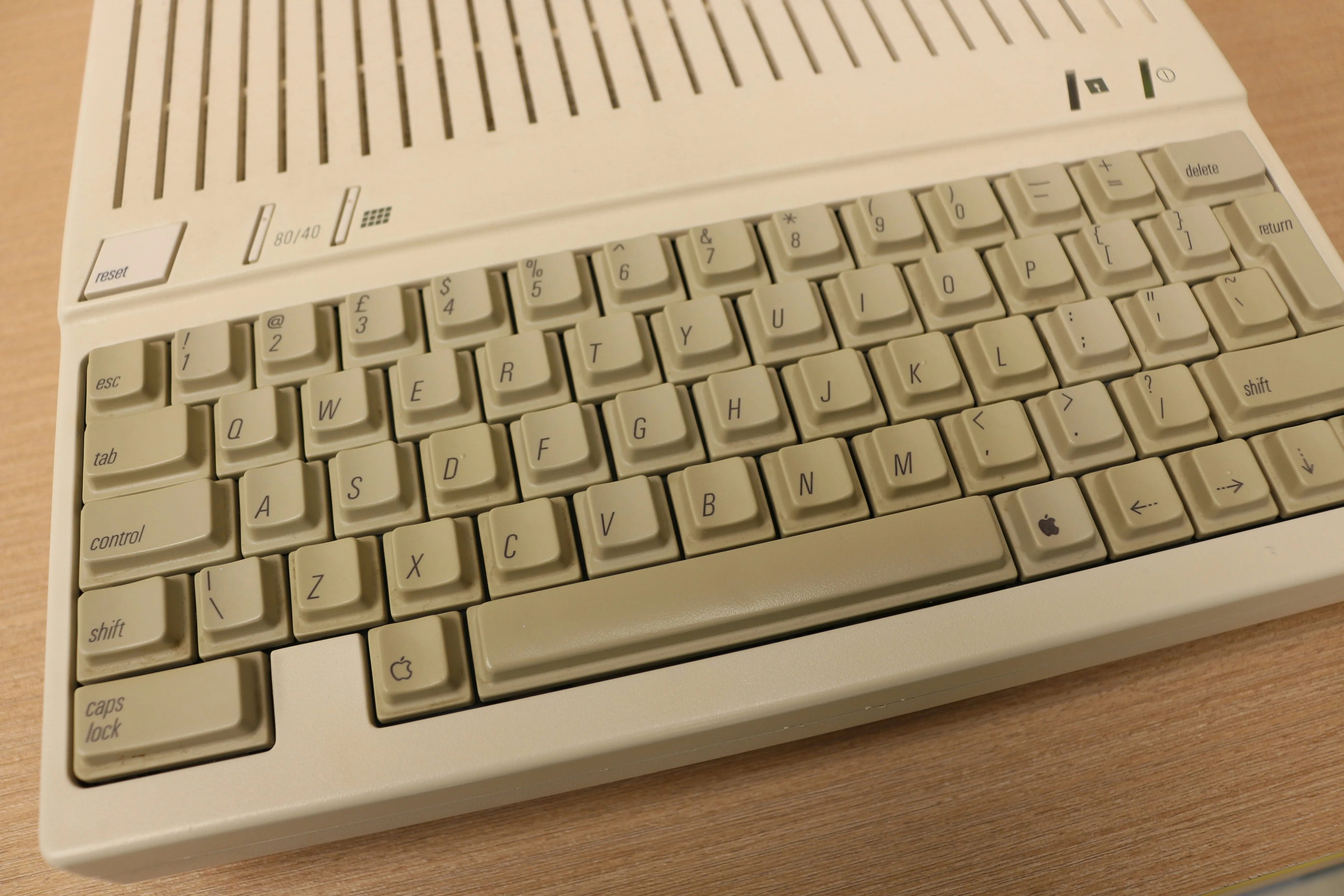
According to data from CloudZero, cited by Clear It Waste, the average keyboard is home to approximately 237 bacterial colonies. To put that into perspective, that makes it significantly filthier than the average toilet seat.
The situation is worse for your mouse. The device you likely have your hand clamped to for hours at a time was found to host an average of 408 bacterial colonies. This includes Bacillus species, which can form spores and survive in harsh environments – like the sweaty palm of a gamer in a clutch moment.
Laptops are the worst offenders, averaging 645 colonies, with some devices harbouring over 3,000. For those of us who travel with our tech for work or conventions, the heat generated by the device creates a perfect incubation chamber for mould and Staphylococcus.
Cleaning your Campaign HQ
With the festive break over and many returning to home offices or gaming dens, hygiene is paramount. Josh Clarke, speaking for Clear It Waste, noted,
Cleaning your laptop or keyboard goes beyond keeping it germ-free. It also ensures that you reduce the risk of clogged keys which can get stuck over time with grime, dust, and food residue, limiting typing ability.”
For mechanical keyboard enthusiasts, the advice is to unplug and wipe down weekly. A deep clean (removing keycaps and dealing with the switch plate) should happen every month or two. Avoid drowning your Cherry MX switches; a slightly moist microfiber cloth is sufficient.
If your setup is beyond saving, or if you simply cannot face the biological reality of your current “WASD” keys, it might be time to treat yourself to an upgrade. Overclockers stocks a vast range of mechanical keyboards that are fresh out of the box, and Razer continues to push the envelope with mice that, ideally, you will keep clean this time.
For the rest of the gaming room, keeping the dust bunnies at bay is essential for PC airflow. A quick blast with a Dyson can stop your intake fans from clogging up, ensuring your GPU runs as cool as your hygiene standards should be high.
Responsible Disposal
If you do decide to purge your infected hardware, do not simply throw it in the bin. Electronic waste (WEEE) contains hazardous materials and valuable resources. Clarke advised.
If you need to dispose of old, broken tech, be sure to treat this as WEEE waste. Take your tech to local recycling centres or consider using store take-back schemes when buying new items.”
Incorrect disposal can lead to legal penalties and environmental contamination. Most reputable retailers, and even local councils, have dedicated WEEE recycling points.